Playlist IPTV (TEST) — Buy IPTV Subscription with Bitcoin | M3U Playlist & Xtream Codes IPTVPlaylist IPTV (TEST)
Plans & PricesSetup GuidesDownloader CodesFAQContact
Login
Playlist IPTV (TEST) — Buy IPTV Subscription with Bitcoin
Playlist IPTV (TEST)

Premium IPTV subscriptions with instant Bitcoin activation.

Support: support@playlistiptv.org

Product

Plans & PricesFAQHow to Buy BitcoinLogin to your account

Setup Guides

TiviMateIBO PlayerDownloader CodesAll Guides

Troubleshooting

Error codes & fixesChange DNS for IPTV

Company

AboutContactPrivacy PolicyTerms of ServiceRefund Policy
© 2026 Playlist IPTV (TEST). All rights reserved.Secure Bitcoin payments
Setup Guides
Overview

Troubleshooting

  • Change DNS for IPTV 2026: Fix Blocking & Buffering
  • IPTV Not Working? Error Codes & Fixes (2026 Guide)

Smart TV

  • Flix IPTV Setup on Smart TV 2026: M3U Upload Guide
  • IBO Player Setup on Smart TV 2026: M3U & Xtream Guide
  • Smart IPTV (SIPTV) Setup 2026: Samsung & LG Guide

Payment

  • How to Buy Bitcoin for IPTV 2026: Cash App & Binance

PC & Mobile

  • Kodi IPTV Setup 2026: M3U Playlist & EPG Guide
  • Watch IPTV on VLC 2026: M3U Setup on Any Device

Basics

  • M3U vs Xtream Codes 2026: Which IPTV Login to Use?

Firestick & Android

  • Perfect Player IPTV Setup 2026: M3U & EPG Guide
  • Install TiviMate on Firestick & Android TV (2026 Guide)
  • XCIPTV Player Setup on Firestick & Android (2026)
Home / Guides

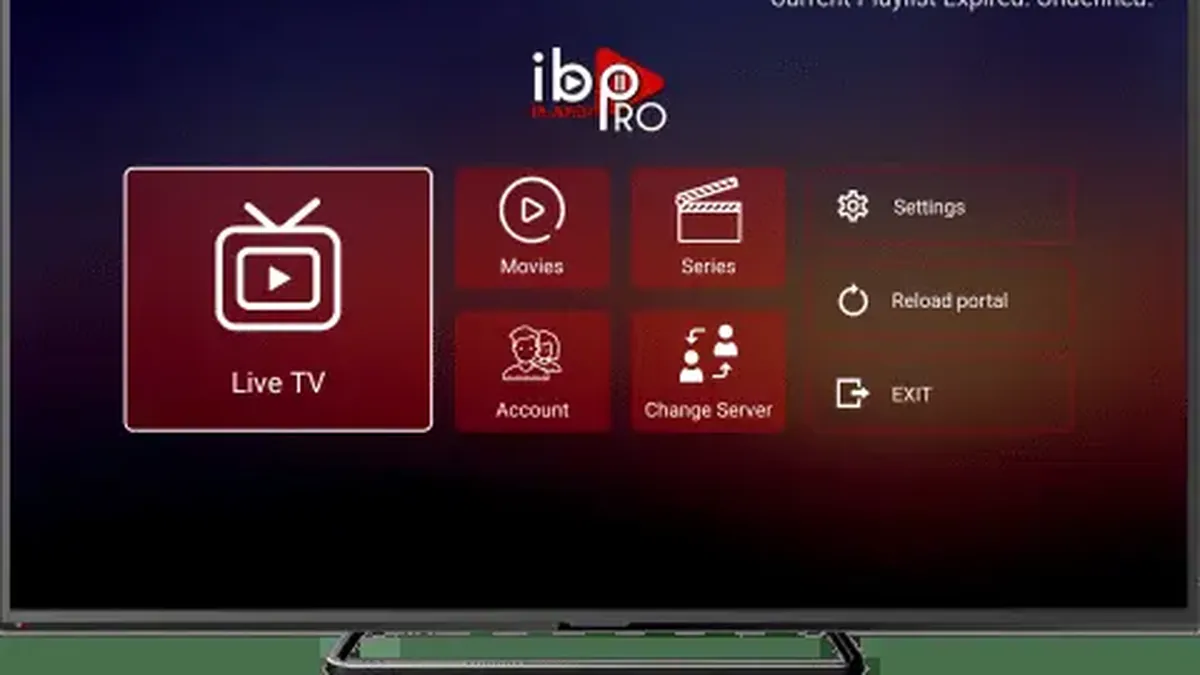
IBO Player Setup on Smart TV 2026: M3U & Xtream Guide

Last updated: 2026-10-01 · 5 min read · Playlist IPTV (TEST)

IBO Player setup on Smart TV: add your IPTV subscription with M3U playlist or Xtream Codes

Works on

Smart TVAndroid TVAndroidiPhone / iPad
About 10 minutes · You'll need your IPTV subscription details (M3U playlist or Xtream Codes) and the Device ID shown in the IBO Player app.

In this guide

  • Step 1: Install IBO Player on your device
  • Step 2: Add your IPTV subscription (official portal)
  • Step 3: Check the EPG TV guide
  • Free trial vs paid activation
  • The official site — and the fakes
  • Tips if something doesn't work

TL;DR: Install IBO Player, write down the Device ID (MAC) and Device Key it shows on screen, then on your phone or computer open the official portal iboplayer.pro, enter those two codes, and add your IPTV subscription as an Xtream Codes login (recommended) or M3U playlist. Restart the app on your TV — channels, movies and the guide load. You get a 7-day free trial; afterwards a one-time activation fee per device.

Important: IBO Player is only a player — it includes no channels. You need an IPTV subscription (like ours) on top of the app. No subscription yet? Get instant activation here.

Step 1: Install IBO Player on your device#

On Samsung Smart TV (Tizen)

  1. Press the Home button and open Apps.
  2. Search for IBO Player and install it.
  3. Open the app once — it displays your Device ID (MAC) and Device Key on the main screen. Write both down exactly.

On LG Smart TV (webOS)

  1. Press Home and open the LG Content Store.
  2. Search for IBO Player and install it.
  3. Open the app and note the Device ID and Device Key shown on screen.

On Firestick / Fire TV

IBO Player is not in the Amazon Appstore, so sideload it:

  1. Install the free Downloader app (Find → Search → "Downloader").
  2. Enable Install unknown apps for Downloader under Settings → My Fire TV → Developer options.
  3. In Downloader, enter the official IBO Player download address and install the APK.

On Android / Android TV / iPhone

Install IBO Player from the Google Play Store (Android / Android TV) or the Apple App Store (iPhone / iPad), then open it and note the Device ID and Device Key.

Step 2: Add your IPTV subscription (official portal)#

IBO Player is managed through a web portal — you do this part on your phone or computer, not on the TV.

  1. Open the portal address the app itself shows you — the official one is iboplayer.pro.
  2. Enter your Device ID (MAC) and Device Key to manage your device.
  3. Choose how to add your IPTV subscription:

Option A — Xtream Codes (recommended):

  1. Select Add XC Playlist.
  2. Enter the Server URL exactly as in your welcome email — including http:// and the port (e.g. http://server.example.com:8080).
  3. Enter your Username and Password (case-sensitive, no trailing spaces).
  4. Save.

Option B — M3U playlist:

  1. Select Add Playlist.
  2. Paste your full M3U playlist URL from your welcome email.
  3. If you also have an EPG URL, add it in the EPG field so the TV guide fills in.
  4. Save.
  1. Restart the IBO Player app on your TV. Your channels, movies, series and guide load within a couple of minutes.

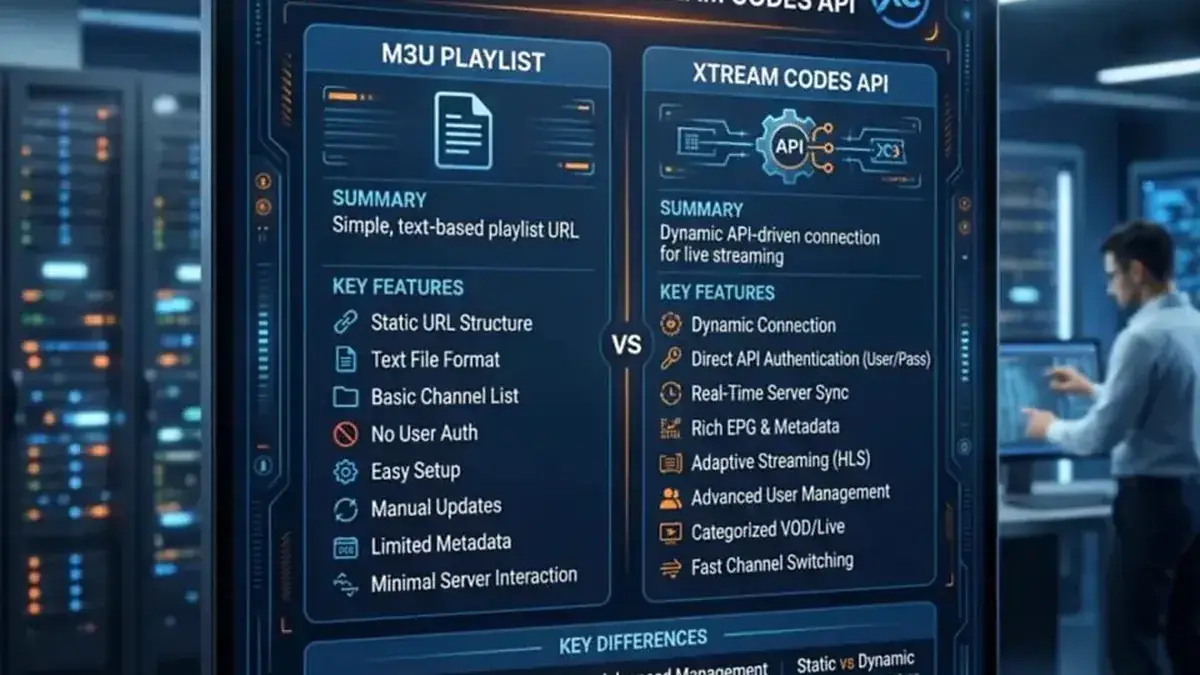
New to the two methods? Read M3U vs Xtream Codes.

Step 3: Check the EPG TV guide#

  • With Xtream Codes, the guide loads automatically — open it and confirm program titles appear.
  • With M3U, confirm you added the EPG URL in the portal; otherwise the guide stays empty.
  • If the guide is blank after a few minutes, restart the app once more — the first sync can take a little while on Smart TVs.

Free trial vs paid activation#

  • Free: 7-day trial with full features — plenty to test your IPTV subscription.
  • Paid: one-time activation fee per device, paid to the IBO Player developer (not to your IPTV provider). Check the current price on the official portal.

Your IPTV channel subscription is a separate product, paid to your provider. Activating IBO Player does not give you channels.

The official site — and the fakes#

The only official website is iboplayer.pro — and the safest rule is simpler: only use the website address the IBO Player app itself shows on your TV screen. Many lookalike sites (iboplayer.net, iboplayer.info, "iboplayer-pro.com" and similar) charge for fake "activations". If you paid on a different site and it doesn't work, only the official portal's activation is valid — contact your bank about the other charge.

We do not sell IBO Player activation — it is sold only by the app's developer through the official portal.

Tips if something doesn't work#

  • "MAC Address Invalid": type the Device ID exactly as shown — watch for O vs 0, include colons and leading zeros, no spaces.
  • Playlist not loading: re-check the M3U link or Xtream credentials, test the M3U link in VLC (Media → Open Network Stream), and ask your provider for a fresh link if the browser test fails.
  • "Expired App": the 7-day trial ended — complete the one-time activation in the official portal.
  • Empty EPG with M3U: the provider's EPG URL must be added manually (it usually ends in .xml).
  • App freezes on huge lists: very large playlists can freeze low-memory TVs — ask your provider for a smaller channel list.

Full troubleshooting: IPTV error codes & fixes.

Frequently Asked Questions

Is IBO Player free?

It includes a 7-day free trial. Continued use needs a one-time activation fee per device, paid to the app developer. Your IPTV channel subscription is separate.

What is the official IBO Player website?

iboplayer.pro — and always double-check it matches the address shown inside the app on your TV.

Where do I find my Device ID and MAC?

Open IBO Player — both are displayed on the main screen every time the app starts, before any playlist is added.

Should I use M3U or Xtream Codes in IBO Player?

Xtream Codes if your provider gave you login details — the guide loads automatically and refreshes more reliably. M3U works everywhere too; both point to the same subscription.

Can I use IBO Player on multiple TVs?

Yes, but each TV has its own Device ID and needs its own one-time activation. Your IPTV subscription's simultaneous-connection limit still applies.

I paid for activation on another website — what now?

Only activations made on the official portal are valid. Contact your bank about the other charge, then activate properly via the site shown in the app.

Related guides

Smart IPTV (SIPTV) setup on Samsung and LG: add your IPTV subscription M3U playlist via MAC uploadSmart IPTV (SIPTV) Setup 2026: Samsung & LG GuideFlix IPTV setup on Smart TV: activate with Device ID and add your IPTV subscription M3U playlistFlix IPTV Setup on Smart TV 2026: M3U Upload GuideM3U playlist vs Xtream Codes API: which IPTV subscription login method to chooseM3U vs Xtream Codes 2026: Which IPTV Login to Use?

Ready to watch? Get your IPTV subscription now.

Instant activation — M3U playlist + Xtream Codes login + EPG, delivered by email in minutes. Pay with Bitcoin.

Buy IPTV Subscription