
Smart IPTV (SIPTV) Setup 2026: Samsung & LG Guide
Last updated: · 3 min read · Playlist IPTV (TEST)
Works on
TL;DR: Open Smart IPTV on your TV and write down the MAC address on its start screen. On your phone or computer, go to siptv.app/mylist, enter the MAC, paste your M3U playlist URL, tick "Keep online", and submit. Restart the app on your TV — channels load. 7-day free trial; then a one-time activation per TV.
Important: Smart IPTV is a player only — it includes no channels. You need an IPTV subscription separately. No subscription yet? Get instant activation here.
Step 1: Install Smart IPTV and find your MAC address#
On Samsung Smart TV (Tizen)
- Press Home → Apps → search Smart IPTV → install.
- Open the app — the MAC address is displayed on the start screen. Write it down exactly (colons included).
Note: Samsung removed SIPTV from its app store for new installs in some regions — if you already have it installed, it keeps working. If you can't find it, use IBO Player or Flix IPTV instead (see our setup guides).
On LG Smart TV (webOS)
- Press Home → LG Content Store → search Smart IPTV → install.
- Open the app and note the MAC address on the start screen.
On Android / Firestick
Smart IPTV is primarily a Smart TV app. On Firestick or Android TV, TiviMate or XCIPTV are better choices — see their guides. If you still want SIPTV on Android, install it from the Google Play Store.
Step 2: Upload your M3U playlist at siptv.app/mylist#
- On your phone or computer, open siptv.app/mylist (the official SIPTV portal).
- Enter your TV's MAC address exactly as shown in the app.
- Paste your M3U playlist URL from your IPTV subscription welcome email into the playlist field.
- Tick "Keep online" (also shown as "Save online") — this is critical: without it, your playlist registration can lapse after a few days and channels disappear.
- Submit, then restart the Smart IPTV app on your TV. Your channels load.
Use the M3U link, not a downloaded file — the link auto-updates when your provider refreshes the channel list.
Step 3: After the trial — one-time activation#
- Free: 7-day trial.
- Paid: one-time activation fee per device, tied to the TV's MAC address — a new TV needs its own activation. Activate only at siptv.app/activation, the official site.
We do not sell Smart IPTV activation — it is sold only by the app's developer at the official site.
Tips if something doesn't work#
- "Check playlist URL": on the SIPTV portal, delete the playlist registered to your MAC first, then re-upload it fresh — and tick "Keep Online".
- Playlist stopped working after a few days: you almost certainly didn't tick "Keep Online". Re-upload with that option enabled.
- MAC changes after restart (Android 10+): Wi-Fi settings → privacy → "Use device MAC" instead of randomized MAC.
- Slow channel switching or DNS errors: set the TV's DNS manually to
1.1.1.1— see our DNS guide.
Full troubleshooting: IPTV error codes & fixes.
Frequently Asked Questions
Is Smart IPTV free?
7-day free trial, then a one-time per-device activation fee. Your IPTV channel subscription is a separate purchase.
Where is the SIPTV playlist uploader?
At siptv.app/mylist — enter your TV's MAC address there and paste the M3U URL, with "Keep Online" ticked.
Does SIPTV support Xtream Codes?
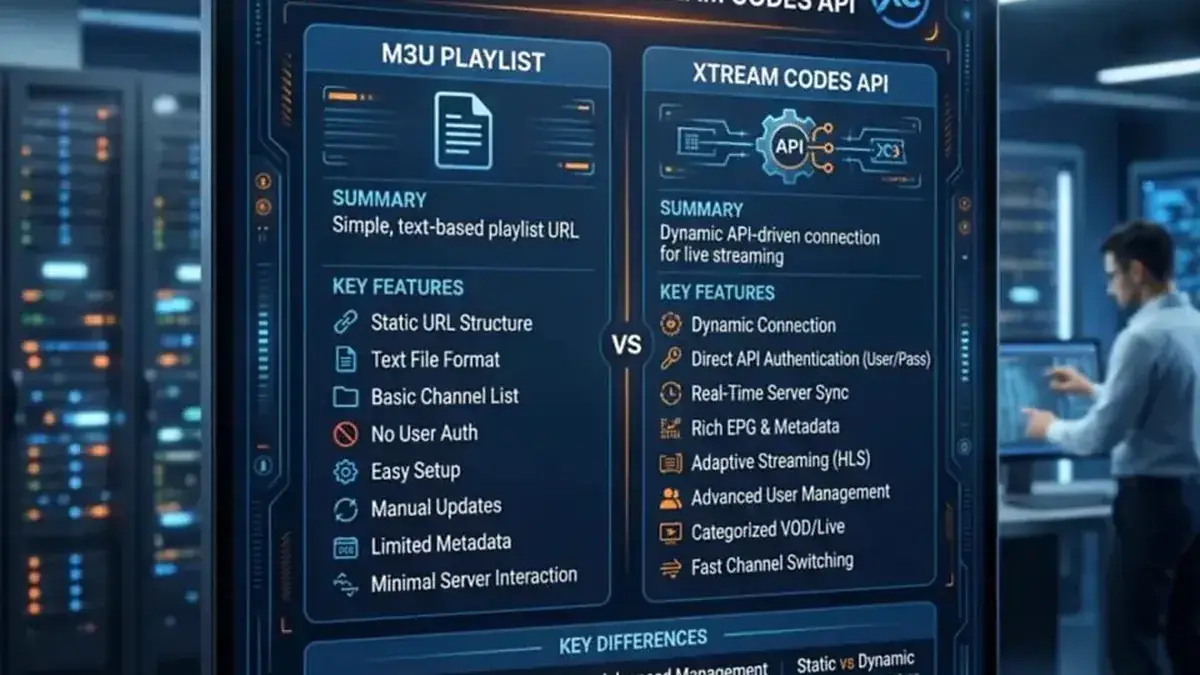
The classic method is M3U via the mylist portal. Use the M3U URL from your welcome email — same channels.
I changed my TV — do I pay again?
Yes — the activation is tied to the MAC address, so a new TV needs its own one-time activation. Your IPTV subscription itself is unaffected.
Why did Samsung remove Smart IPTV?
Samsung delisted it from the app store in some regions. Existing installs keep working; new users should pick IBO Player or Flix IPTV from our setup guides.
Related guides
Ready to watch? Get your IPTV subscription now.
Instant activation — M3U playlist + Xtream Codes login + EPG, delivered by email in minutes. Pay with Bitcoin.
Buy IPTV Subscription