Last updated: · 3 min read · Playlist IPTV (TEST)

Works on
TL;DR: Open VLC → Media → Open Network Stream (Ctrl+N) → paste your M3U playlist URL → Play. Press Ctrl+L to see the full channel list and double-click any channel to switch. Free, instant, no account — works on Windows, Mac, Android and iPhone.
Why VLC first? It's the fastest way to test a new IPTV subscription — if the playlist plays in VLC, your subscription is fine and any problem is in your other app's settings. Download VLC only from videolan.org. No subscription yet? Get instant activation here.
Safety: get it only from videolan.org or the official app stores. Repackaged copies from other sites may contain adware.
Tip: you can also save the playlist as a local .m3u file and open it anytime with Media → Open File — handy for offline channel lists.
Full troubleshooting: IPTV error codes & fixes.
Yes — VLC is free and open source forever, on every major platform. Your IPTV subscription is separate.
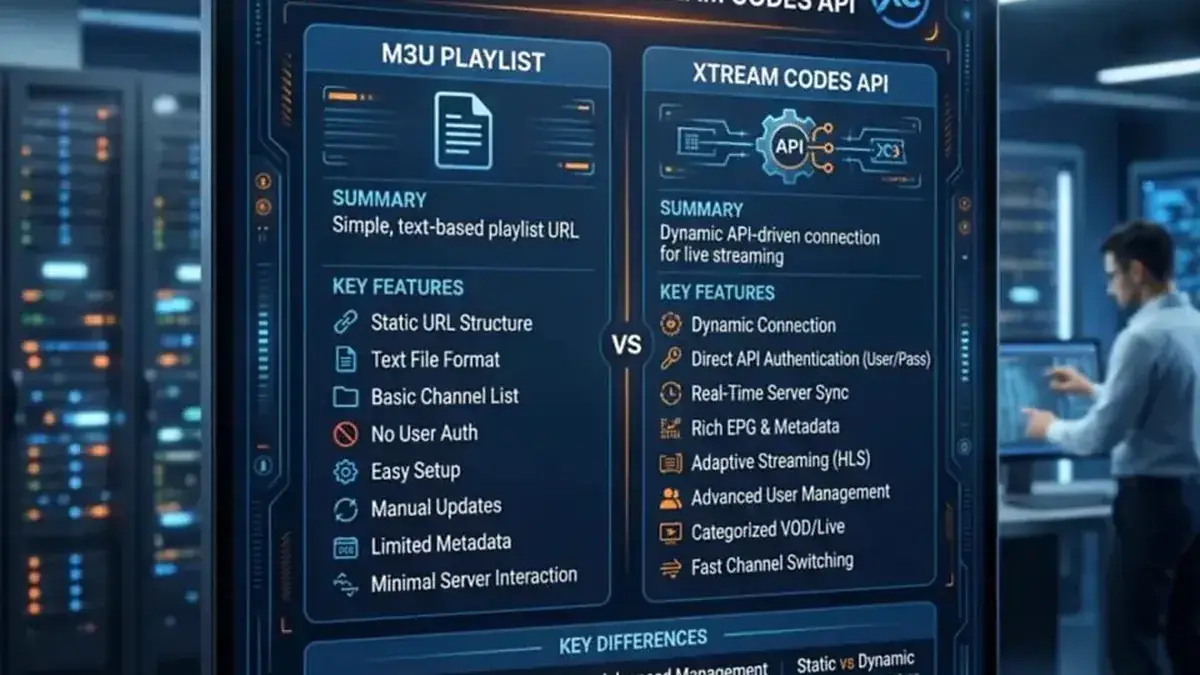
No — VLC only opens M3U playlists (URL or file). Use the M3U URL from your welcome email.
No. VLC is a simple player — for a full guide experience use TiviMate, IBO Player or Kodi.
Speed. It's the quickest way to verify your subscription works — two minutes, no setup. Once confirmed, set up your main TV app with the full guide.
Instant activation — M3U playlist + Xtream Codes login + EPG, delivered by email in minutes. Pay with Bitcoin.
Buy IPTV Subscription